

Mocha Remote Desktop Setup Wizard - Using local WiFi on the iPhone
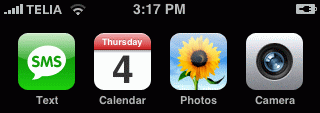
- Make sure Wifi is enabled. The small pie icon must be shown in the status bar
- Find the IP address for the PC
The IP address should be configured as static. Otherwise it may change next time the workstation is restarted
- - In Windows Click on the start menu button and then on run
- - Type "cmd" (without quotes) and hit enter
- - A black DOS box is shown with a prompt
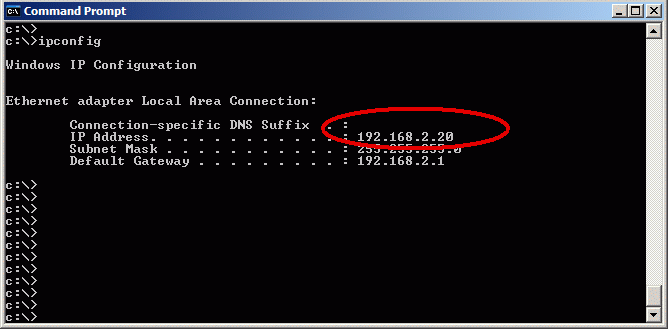
- - Type ipconfig and hit enter. Click here for a screen example.
- Insert the PC address in the RDP iPhone - menu - edit connection screen
PC Address:
- - A TCP/IP address as 192.168.2.1
- - DNS name as funfun.no-ip.org
- - NETBIOS name. Must start with a / . If on WIFI, use the blue arrow button to search the local net.

Copyright (c) 1997-2024 MochaSoft Aps. All Rights Reserved. |